






















Branding kit

Show you’re part of the network

Members are welcome to use the Missio Nexus logo to show their affiliation on websites, event materials, presentations and social media. Download the files below and use the guidance on this page to keep the brand consistent.

Logo pack: 28 SVG files (ZIP) · Guidelines: 31-page PDF

01 · Member badges

Wear the badge

The member badge is the simplest way to show you’re part of the network. Add it to your website footer, partner page, email signature or event materials. Choose the version that stands out best against your background.

Download all badges

The badge is for current members only. Use SVG for websites and print, and PNG for email signatures, slides and social graphics.

02 · Logo files

Pick the logo, then the background

Each logo comes in a version made for each approved background colour. Choose the file that matches the background you’re placing it on. The colours are already set, so there’s nothing to adjust.

Download all logos
03 · Using the logo

Keep it clear and consistent

The logo works best when every member uses it the same way. A few simple rules keep it recognisable wherever it appears.

How to use the Missio Nexus logo
Do
Use the files as suppliedDownload from this page and place the file as is. The colours and proportions are already correct.
Match the file to the backgroundPick the version made for the colour behind it. On a colour not listed here, use the white or black version, whichever reads more clearly.
Give it roomKeep other text, logos and graphics a comfortable distance from the logo so it stands on its own.
Keep it readableIf the words in the logo become hard to read at small sizes, switch to the submark or the mark.
Use calm backgroundsOn photos, place the logo over a simple area, or on a solid panel, so it stays legible.
Don’t
Stretch, squash or rotate itAlways resize from a corner so the proportions stay the same, and keep it upright.
Recolour any part of itDon’t change the colours of the words or the weave, or mix colours across the four pieces.
Add effectsNo drop shadows, outlines, glows, gradients or transparency.
Rearrange or redraw itDon’t move the mark and words apart, retype the name in another font, or combine the logo with your own.
Use the previous logoReplace the old Missio Nexus logo wherever it appears with one of the files on this page.

About the weave

The four pieces of the mark are always coloured in matching pairs: the top and bottom pieces share one tone, and the two side pieces share its partner tone. Every file on this page is already coloured this way.

  • Top and bottom
  • Left and right
04 · Brand colours

Matching our colours

If you’re building something that sits next to our logo, such as a co-branded event page or a partner slide, these are the exact values. Global Green leads, the warm neutrals support, and the oranges are used sparingly as accents.

  • Global GreenPrimary
  • Gravel RoadSecondary
  • AlabasterSecondary
  • Sunset HarvestAccent
  • Vibrant FireAccent
  • Foggy RunwayAccent
05 · Talking about Missio Nexus

Describing your membership

When you mention Missio Nexus in text, use this language so the network is described the same way everywhere.

  • Our name

    Missio Nexus

    Two words, both capitalised.
  • Who we are

    Missio Nexus is a united network of Great Commission churches and organizations in North America.

    For bios, programs and partner pages.
  • Our tagline

    Together for one mission

    Use as written.
06 · The story behind the mark

What you’re showing

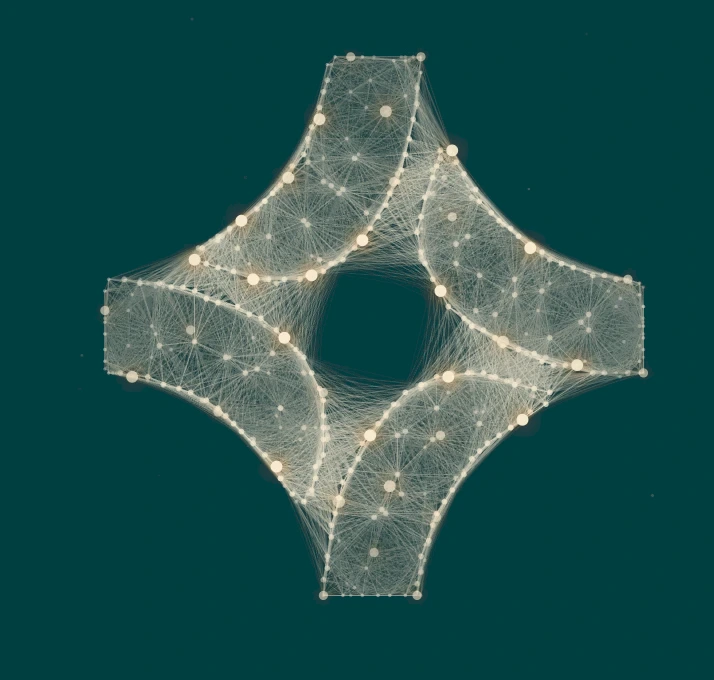
The mark is four woven pieces that only form a complete shape together. That’s the whole idea behind the association: no ministry accomplishes the Great Commission alone.

  1. 01

    Isolated mission leaders don’t always realise they need each other.

  2. 02

    Varying perspectives and experiences make mission leaders stronger together.

  3. 03

    Missio Nexus is the spark that connects and brings mission leaders together.

  4. 04

    The Great Commission is accomplished when leaders collaborate.
Read the full brand story

Need something else?

If you need a different file format, a co-branded layout reviewed, or aren’t sure which version to use, contact the Missio Nexus team and we’ll help.

Contact us